PIUM · AI WEDDING PORTRAITS
Pium AI wedding portraits.
Your moments, reimagined.
Pium is an AI wedding portrait app by QuokkaLabs with Korean and English support. Use two selfies per person for dress, hanbok, outdoor and couple concepts.
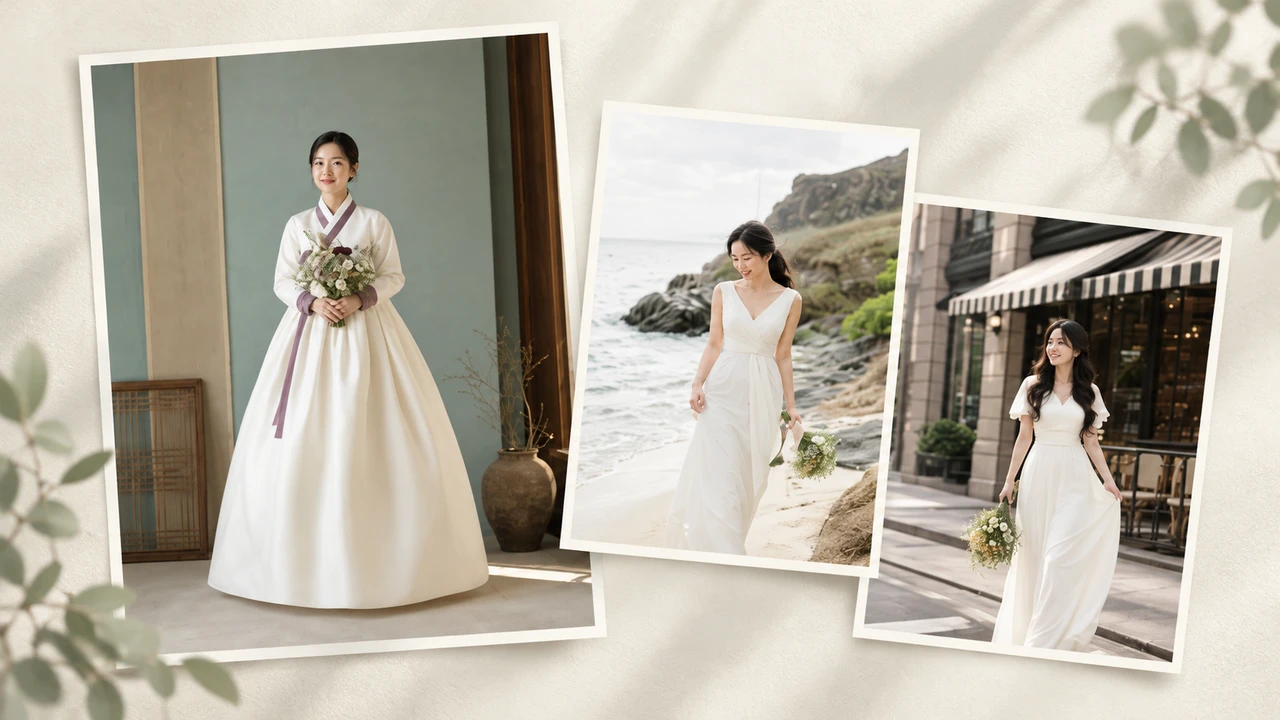
Hanbok and couple portraits, with Korean support
- Languages & devices
- Korean and English are supported in the Android and iPhone apps.
- Reference selfies
- Prepare one front and one side photo per person. Couple portraits need separate reference photos for both people.
- Portrait styles
- Choose dress and tuxedo, hanbok, outdoor and seasonal, or couple concepts.
- Download & generation cost
- The app is free to download. Image generation is paid; check pixel requirements and purchase prices in the app.
Scan to get started
Scan a QR code with your camera or tap a card to open Pium on the web or in the app store.



HOW IT WORKS
Bring your photos. Find your style.
- 01
Prepare your photos
Follow the in-app guide to prepare two selfies per person: one front and one side photo. Couple portraits need separate photos of both people.
- 02
Choose a concept
Explore dress and tuxedo looks, hanbok, outdoor and seasonal settings, and couple portraits.
- 03
Review and save
Review your selection and cost before generating. Compare results in your gallery and save the images you like.
Explore a look before the real shoot.
- Dress & tuxedo
- Hanbok
- Outdoor & seasonal
- Couple portraits
Pium helps you preview wedding styles and create images. Results are not guaranteed to match a real photoshoot. AI output may contain differences in likeness or errors in hands, clothing and backgrounds.
Before you begin
Can I make hanbok and couple wedding portraits in Korean?
Yes. Pium supports Korean and offers hanbok and couple wedding portrait concepts. Register front and side selfies for each person, then choose a concept.
Where can I use Pium?
Explore portraits in the Android and iPhone apps or on the web. Install the app using the official Google Play and App Store links below. Check the app for subscriptions and pixel top-ups.
Is the app free? How much does generation cost?
The app is free to download; image generation is paid. Check the in-app purchase screen for pixel requirements, available products and prices. Prices and taxes may vary by payment platform and country.
How are my photos and results stored?
See the privacy policy and support links below for current retention periods and instructions for deleting photos or your account.